Punch To Break A Mountain First Run Guide
Start a match in Punch To Break A Mountain by breaking mountain blocks, dropping them into the crusher for cash, and digging toward the Core to earn gems.
Completing Your First Sale
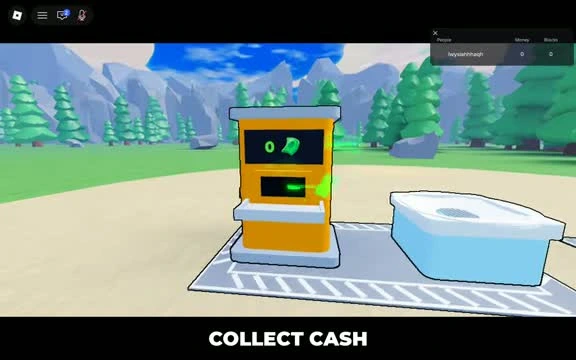
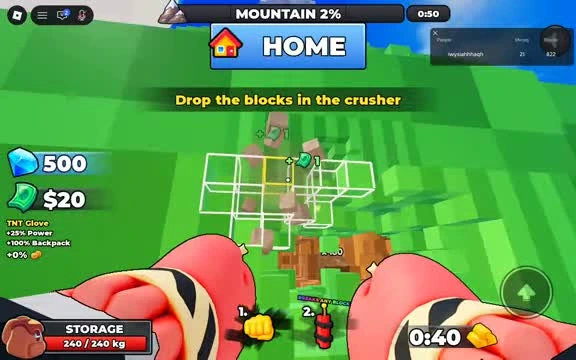
Punch blocks off the mountain and collect the loose drops. The tutorial then directs you to the crusher. Keep an eye out for the white Collect Blocks area beside the yellow machine when you return from the rock face.
- Punch a patch of mountain and gather the drops.
- Carry your load to the crusher and follow the prompt to drop the blocks. The sale gives you cash.
- Use your first sale to follow the tutorial prompt to buy Power.
- For the Small Business achievement, sell your backpack ten times. One large sale counts as one trip.
Reaching and Destroying the Core
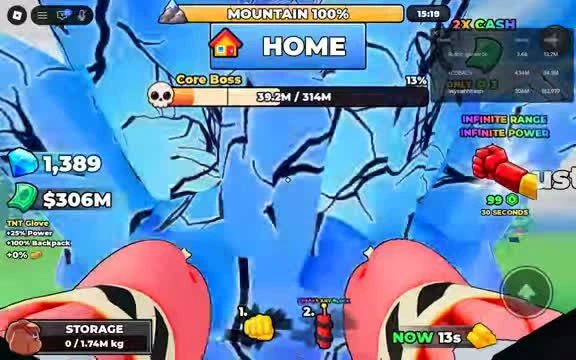
When mountain progress reaches 100%, look for the separate Core Boss health bar. The recorded run shows a blue, cracked core still standing at 100% mountain progress. Keep punching the core until its own bar reaches zero.
Cash buys basic character upgrades, while gems come from finishing the mountain objective. You earn gems when you find and destroy the Core inside the mountain.
If your aim is a first clear, spend your cash when a slow stretch makes it hard to reach the Core. For a timed run, compare the time you save on punches with the time you spend heading back to sell. The game keeps a separate No Robux fastest-win board.
Party Setup and Difficulty
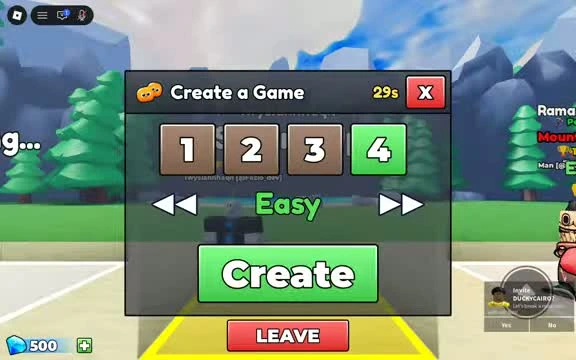
Open Create a Game in the lobby. The party selector shows 1, 2, 3 and 4. Choose a party size and difficulty, then select Create. Easy is a useful place to practice a full run from first sale to Core.
| Difficulty | Roblox badge name | Frozen badge name |
|---|---|---|
| Easy | Clear Easy Mode | Frozen Easy |
| Medium | Clear Medium Mode | Frozen Medium |
| Hard | Clear Hard Mode | Frozen Hard |
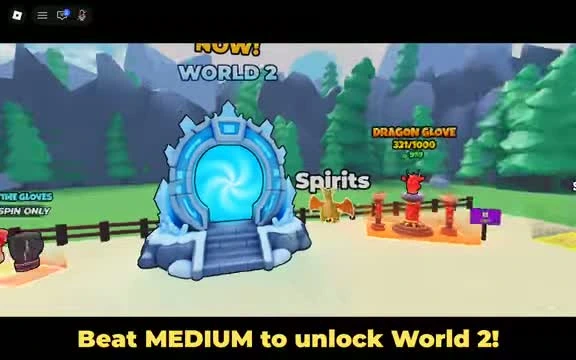
For World 2, the portal tells you to beat Medium. Choose Medium when that unlock is your goal. For the Better Together badge, win a match with at least three players.